At the "WOOGEE.SHOP" online store you can pay for goods in the following ways:
1. By bank card online:
After clicking the "Buy" button, you will be taken to a special secure payment page of the processing system bePaid
The payment page will display the order number and the payment amount. To pay, you need to enter your card details and confirm the payment by clicking the "Pay" button.
If your card supports 3-D Secure technology, the system will prompt you to complete a standard one-minute cardholder verification procedure on your bank's page (the bank that issued your card).
Please note that after the payment is made, a payment confirmation will be sent to the email address you provided. Please keep your payment records.
We accept payments by the following bank cards: Visa, Visa Electron, MasterCard, Maestro, Belkart.

Payments by bank cards are made through the electronic payment system bePaid. The bePaid payment page meets all requirements for secure data transmission (PCI DSS Level 1). All confidential data is stored in encrypted form and is highly resistant to hacking. Access to the authorization pages is carried out using a protocol that ensures secure data transmission over the Internet (SSL/TLS).
Refunds are made to the card from which the payment was previously made. The time for funds to arrive on the card ranges from 1 to 30 days from the moment the Seller processes the refund.
The return conditions are described here: Returns page
2. How to pay via the "Raschet" system (ERIP)?
You can pay for your order via the "Raschet" system (ERIP), anywhere convenient for you, at a time convenient for you, at a banking service point convenient for you:
- internet bank,
- using mobile banking,
- an info kiosk,
- a bank cash desk,
- an ATM, etc.
Payment can be made using cash, electronic money, and bank payment cards at the banking service points of banks that provide payment acceptance services, as well as through remote banking service tools.
TO MAKE A PAYMENT, YOU NEED TO:
1. Select
• The item "Raschet" system (ERIP)
• Service group
• Service subgroup
• Geographic location
• Catalog with the organization name
• Select the service to be paid for
To pay, enter the Order number
2. Check the accuracy of the information
3. Make the payment.
If you are making a payment at a bank cash desk, please inform the cashier that the payment needs to be made through the "Raschet" system (ERIP).
You can also pay for your order by the service code in ERIP:
· The item "Raschet" system (ERIP)
· Payment in ERIP by service code
· Enter code 5324271
3. With the HALVA bank card from MTBank:
Now at WOOGEE.SHOP you can pay with the Halva card from MTBank!
Your purchases will be easier, and your payments more comfortable and without strain on your budget.
Pay for goods
with the Halva MIX card and get installments for up to 12 months, and when paying with the Halva MAX card you
get up to 14 months of installments on all your purchases!


And if you don't have a Halva card! Apply at halva.by, by calling 509 99 99, or at MTBank branches.
You dream - Halva pays!
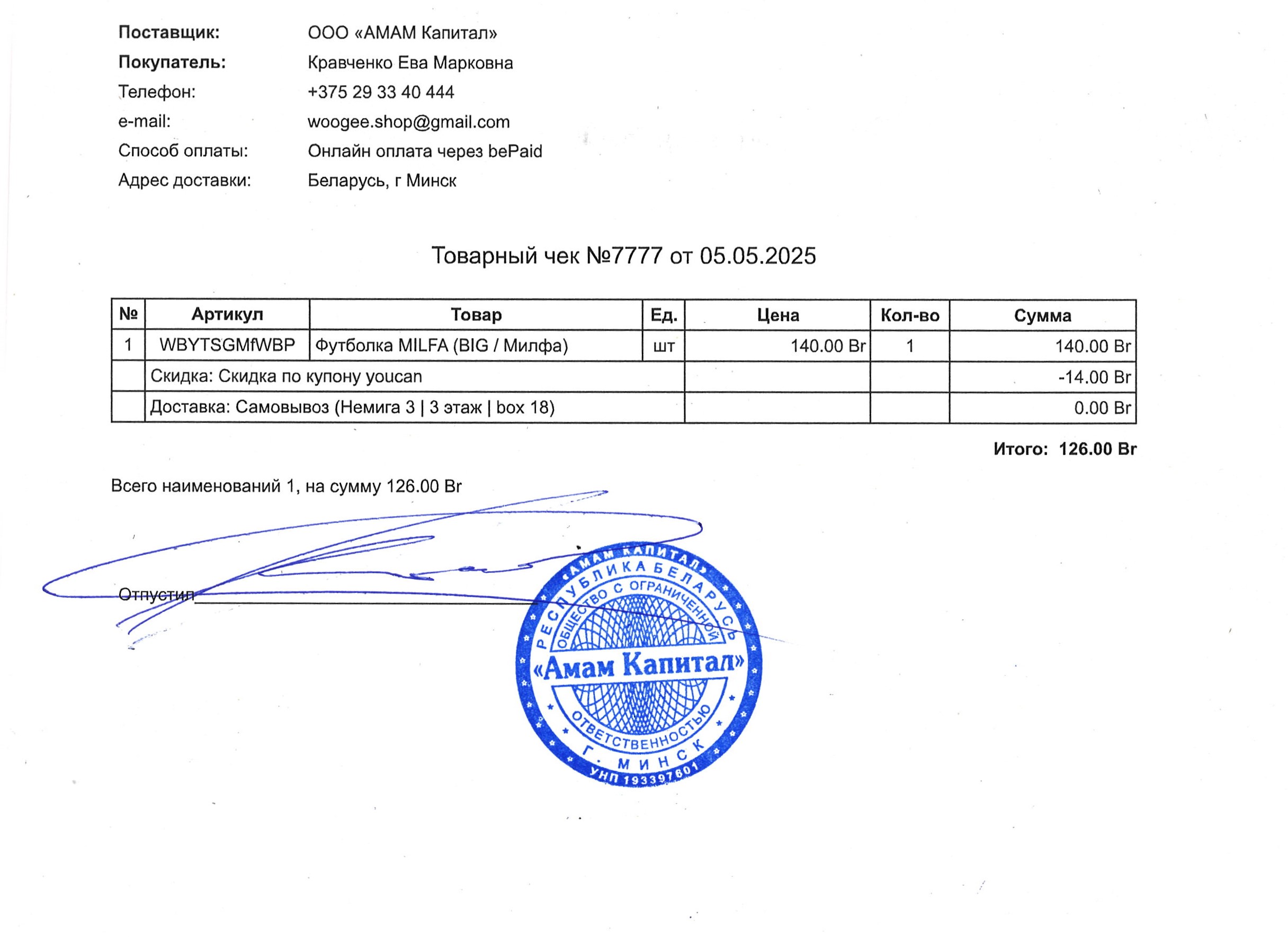
4. Option for documentary confirmation of the purchase (with a sales receipt):
-
- example of a sales receipt: